
Built for the keyboard.
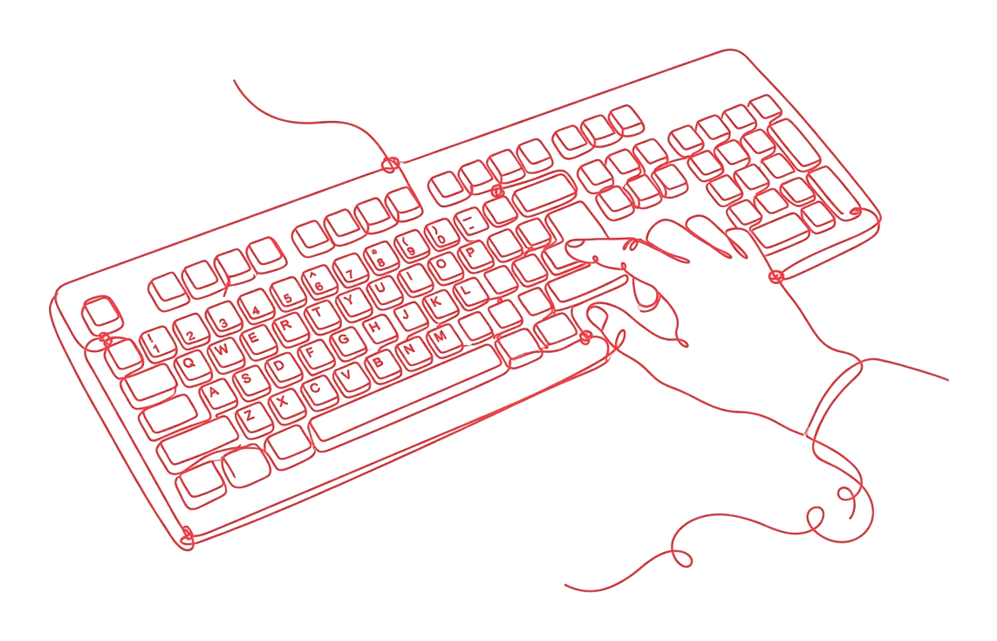
OmniClew is a text box with a list of results, and it is designed to work without a mouse. This page says what works today and what has not been checked yet.
Keyboard
In widget mode, Ctrl+K or ⌘+K opens the omnibox. Arrow keys move through results, Enter chooses one, Tab accepts the top suggestion, and Escape closes the omnibox or the source view.
Labels and roles
The omnibox input is labelled “Ask a question”, the omnibox panel is labelled with the name of your website, and results are exposed to assistive technology as a list of options.
Not yet audited
OmniClew has not yet had a formal accessibility audit, and we do not claim conformance with WCAG. If you find a barrier, email hello@omniclew.com and we will treat it as a defect.